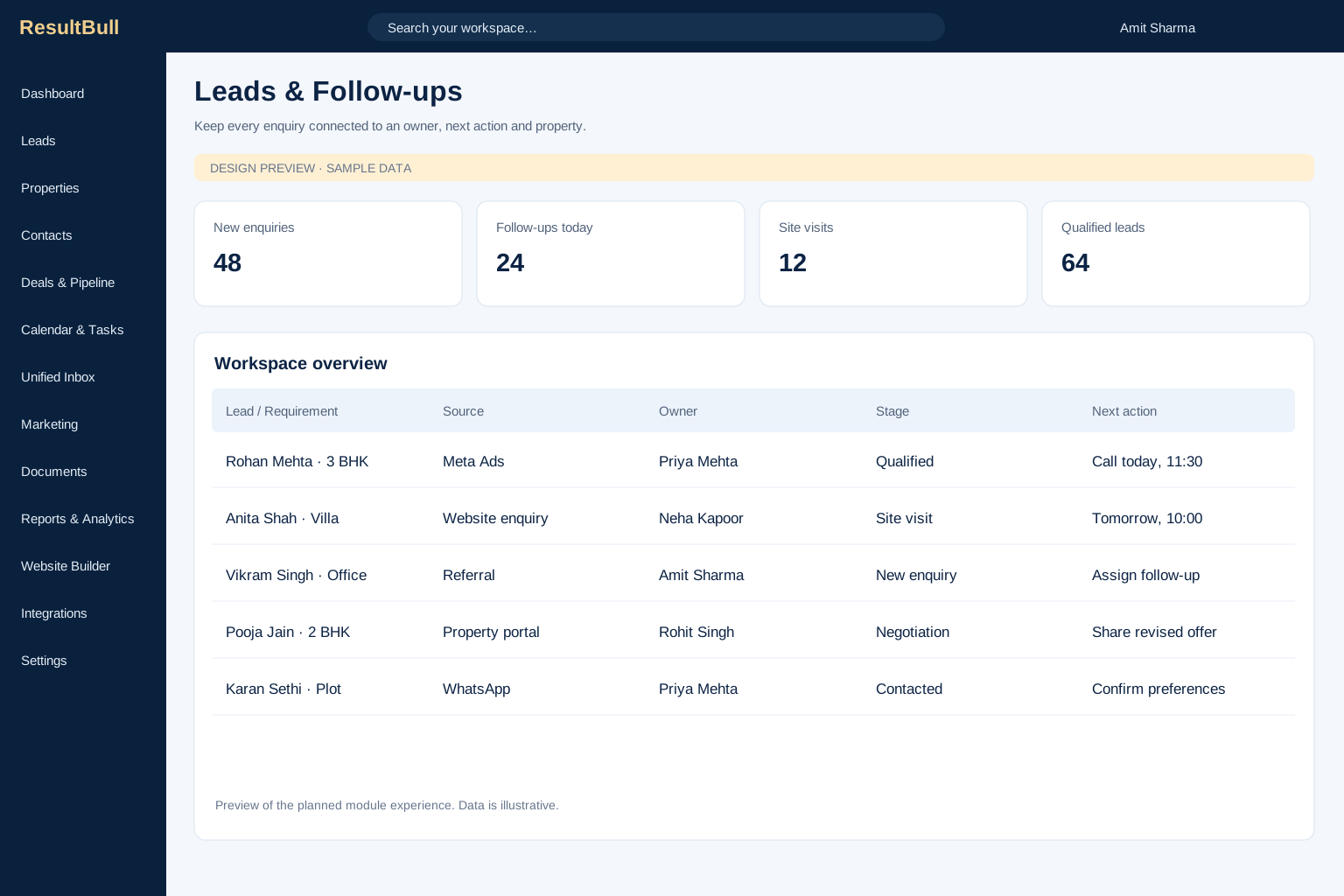
Lead management
Capture buyer enquiries, organise requirements and give every lead an accountable owner. Keep source, budget, preferred location and follow-up history connected as a prospect moves towards a site visit.
Explore moduleExplore the modules that bring your property business together. See the interfaces, understand the workflows and find the tools your team needs next.
14 modules to connect your business
Capture buyer enquiries, organise requirements and give every lead an accountable owner. Keep source, budget, preferred location and follow-up history connected as a prospect moves towards a site visit.
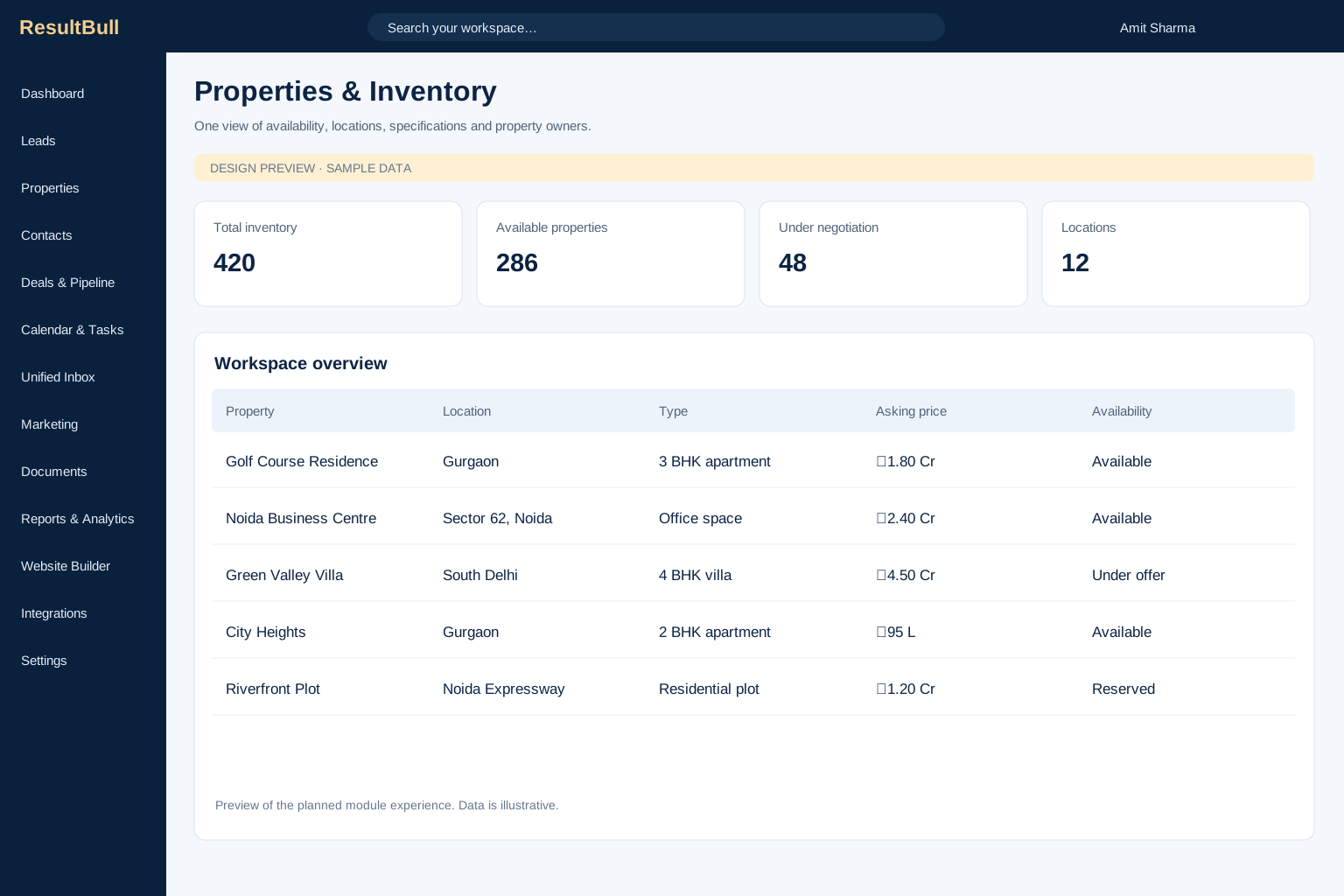
Explore moduleOrganise residential and commercial properties with the information your team needs to advise buyers. Keep availability, ownership, location, specifications and price context together instead of spread across individual spreadsheets.
Explore module
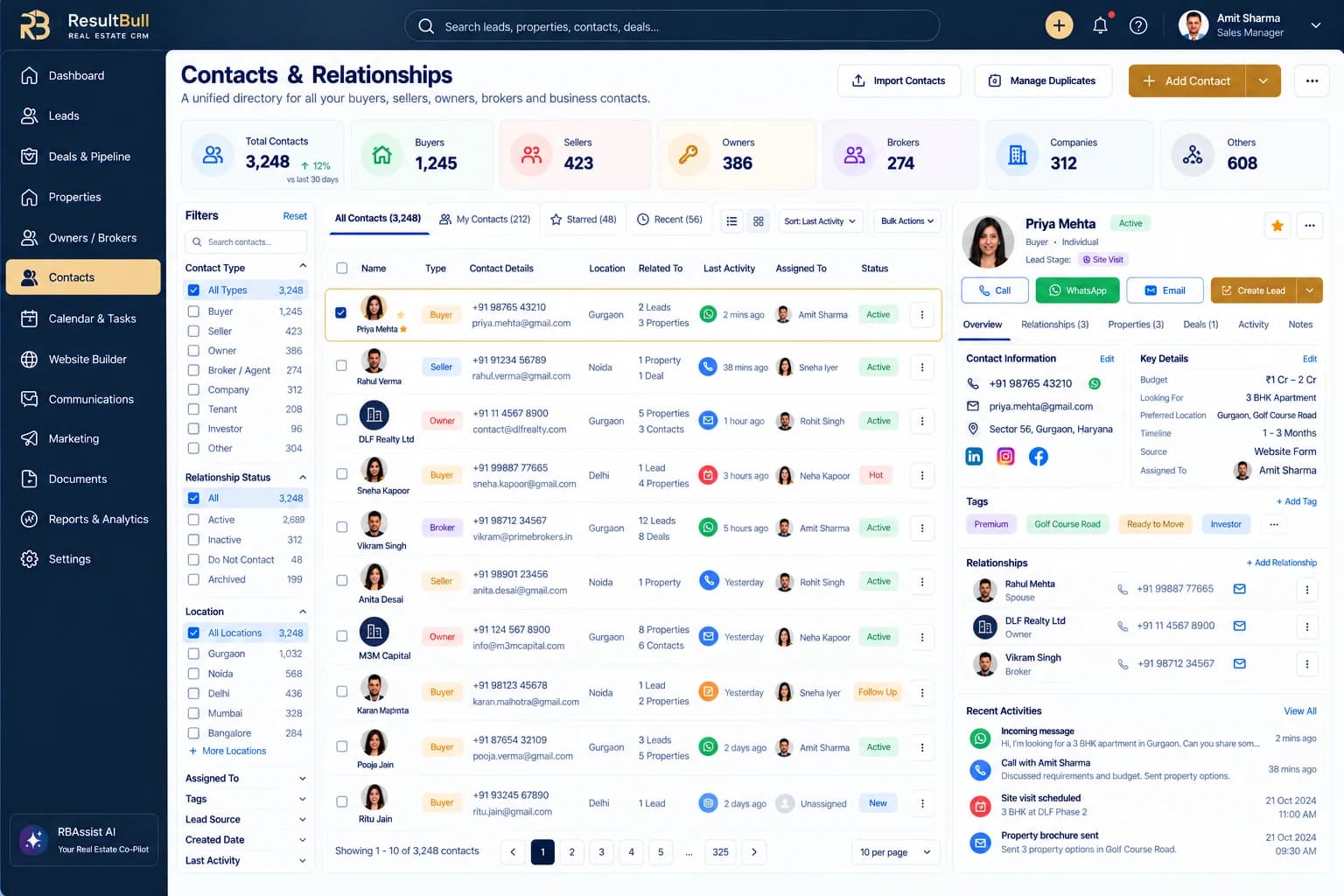
Interface previewBuild a shared directory of buyers, sellers, owners, brokers and companies. Keep contact details, communication history and linked properties or deals together so the next conversation starts with useful context.
Explore module
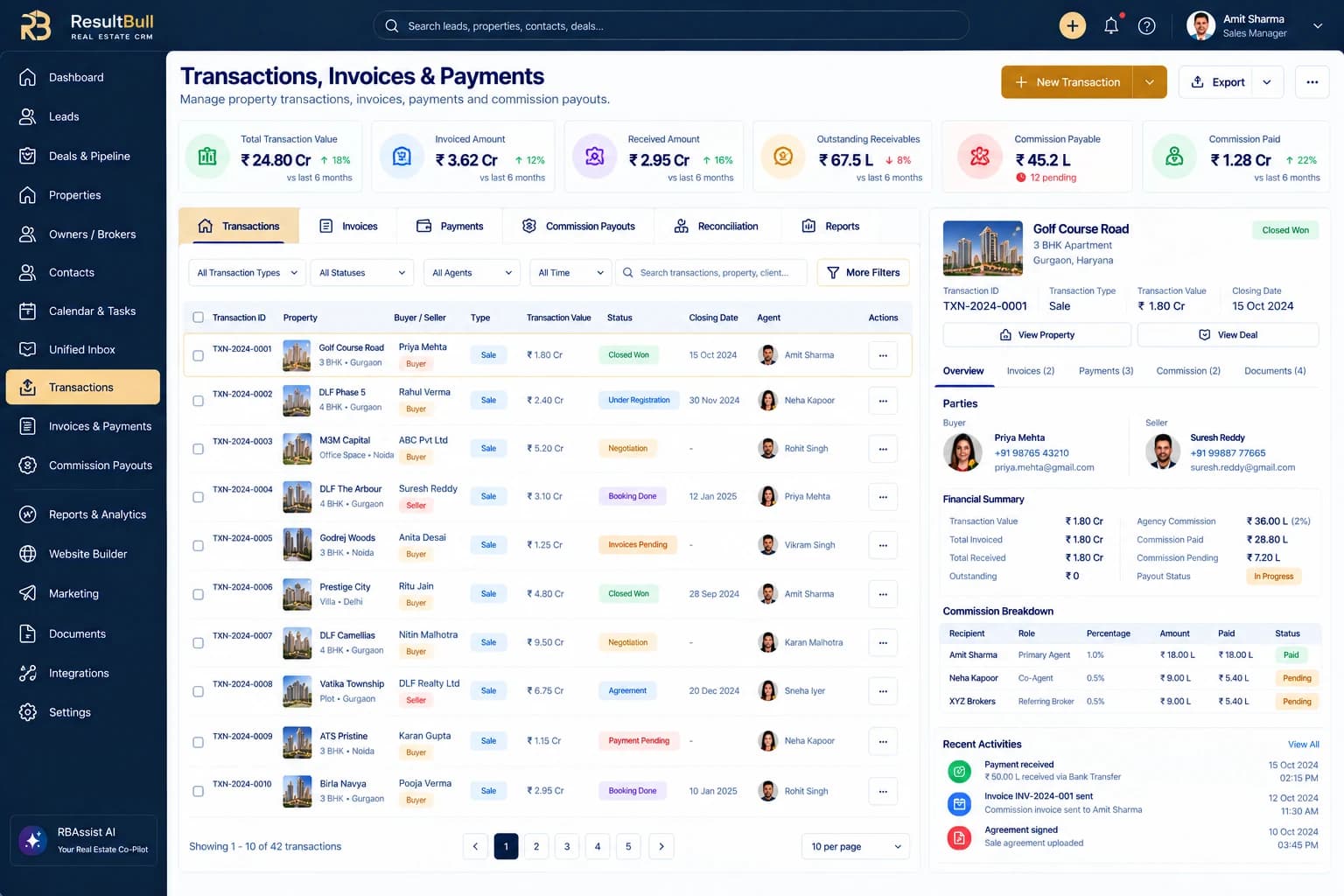
Interface previewFollow opportunities through your agency’s sales stages and keep the commercial details visible. Connect the property, buyer, seller, responsible agents and expected closing date to a single deal record.
Explore module
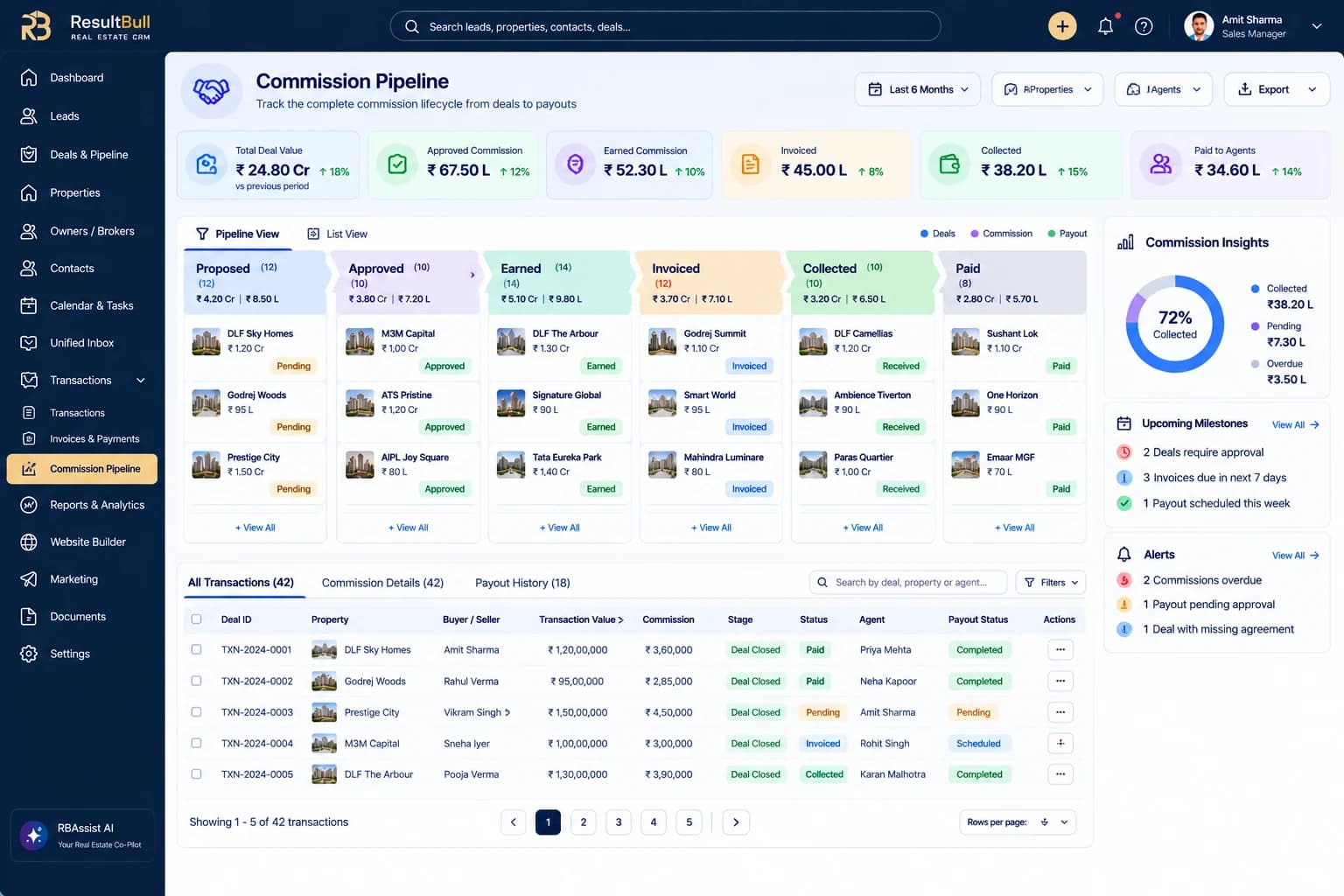
Interface previewFollow the commission lifecycle from proposal and approval through invoicing, collection and agent payout. Keep calculation terms, recipient splits and payment conditions connected to the underlying deal.
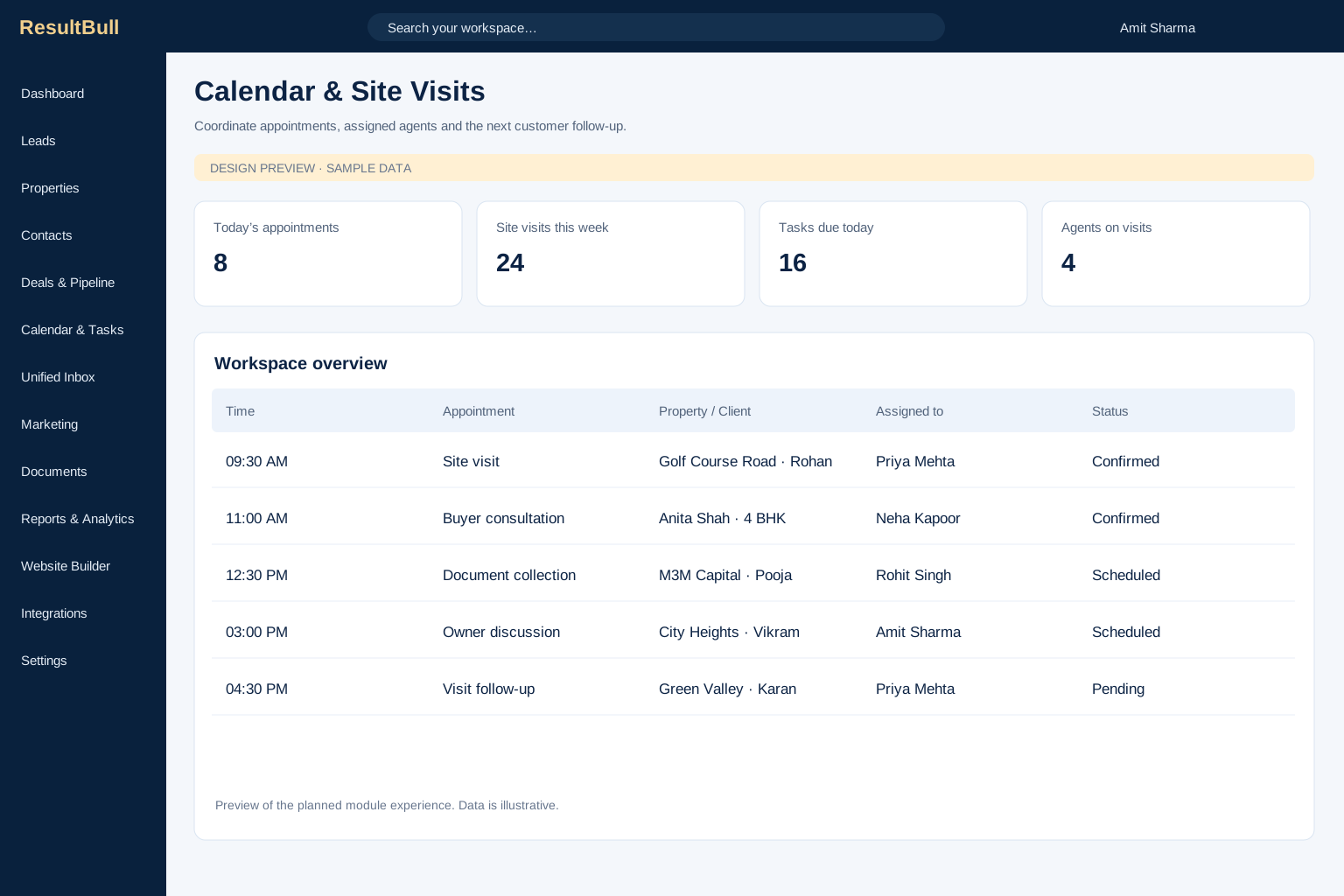
Explore moduleBring site visits, client meetings and daily follow-ups into a coordinated team schedule. Give appointments a property, customer and owner so field work stays connected to the rest of the sales process.
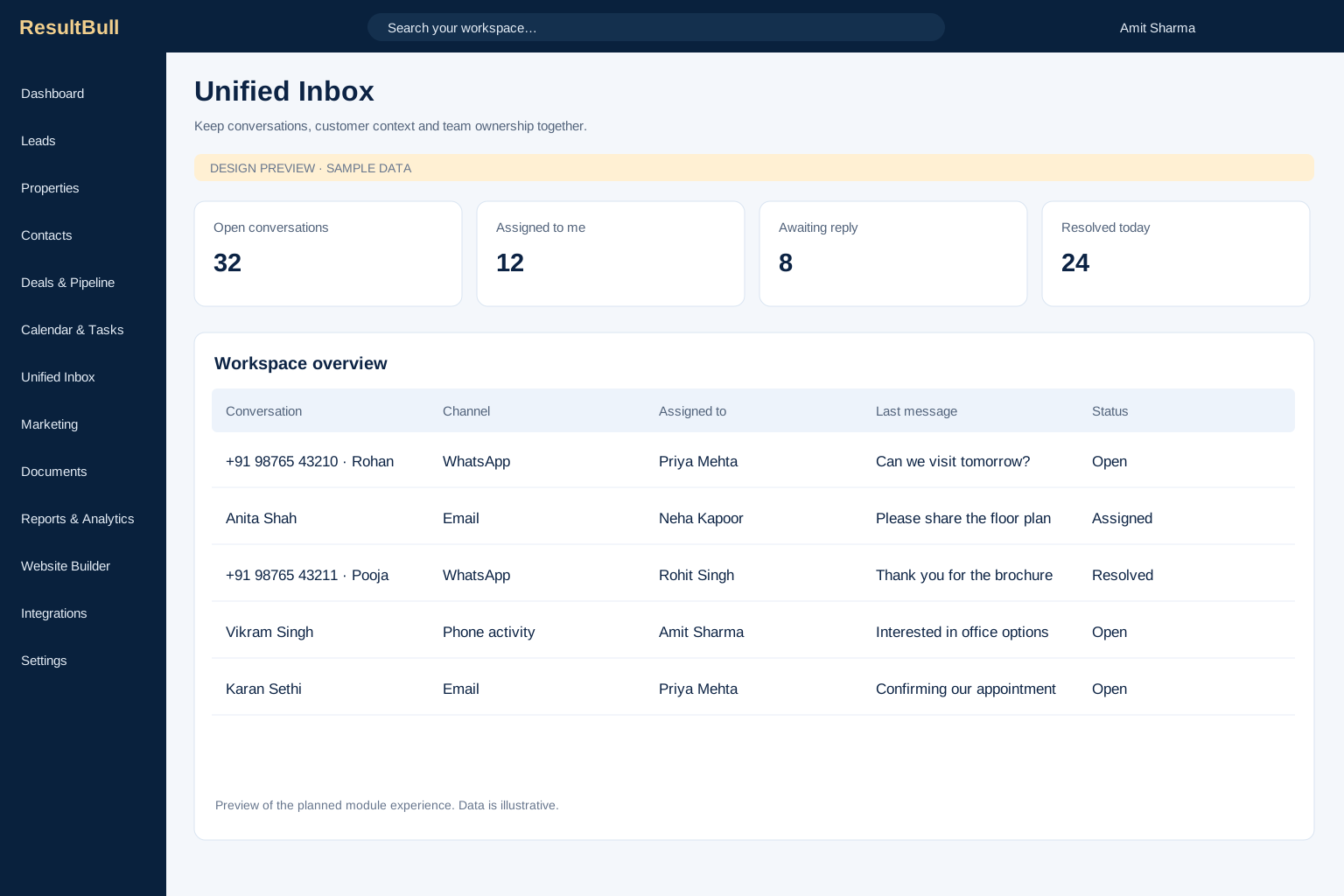
Explore moduleBring customer communication and team ownership into one working view. Help agents understand who is replying, which property is being discussed and what should happen after the conversation.
Explore module
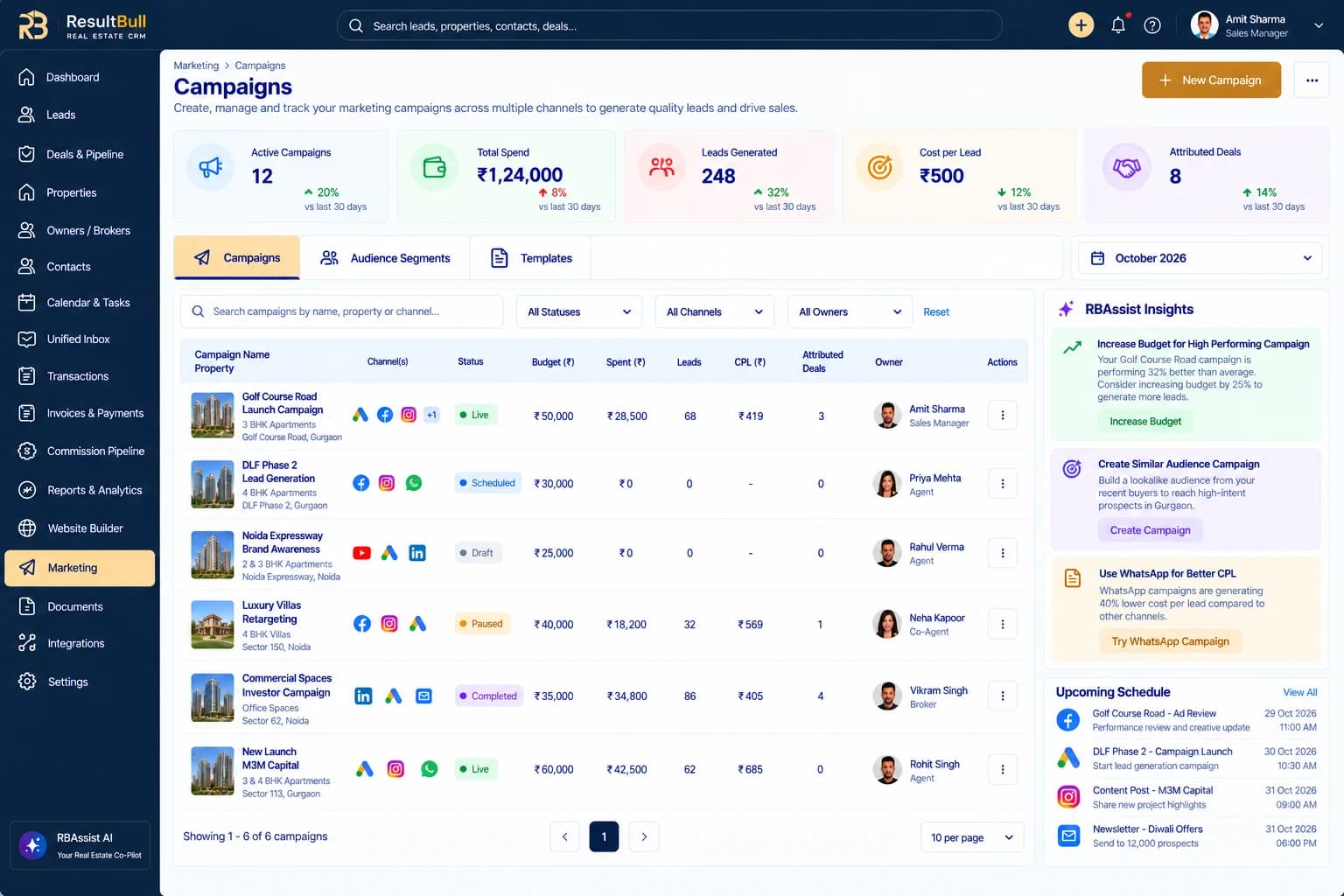
Interface previewPlan outreach around your properties, audience and business objective. Bring campaign setup, channel readiness, scheduling and performance into a workflow that connects marketing activity to leads and deals.
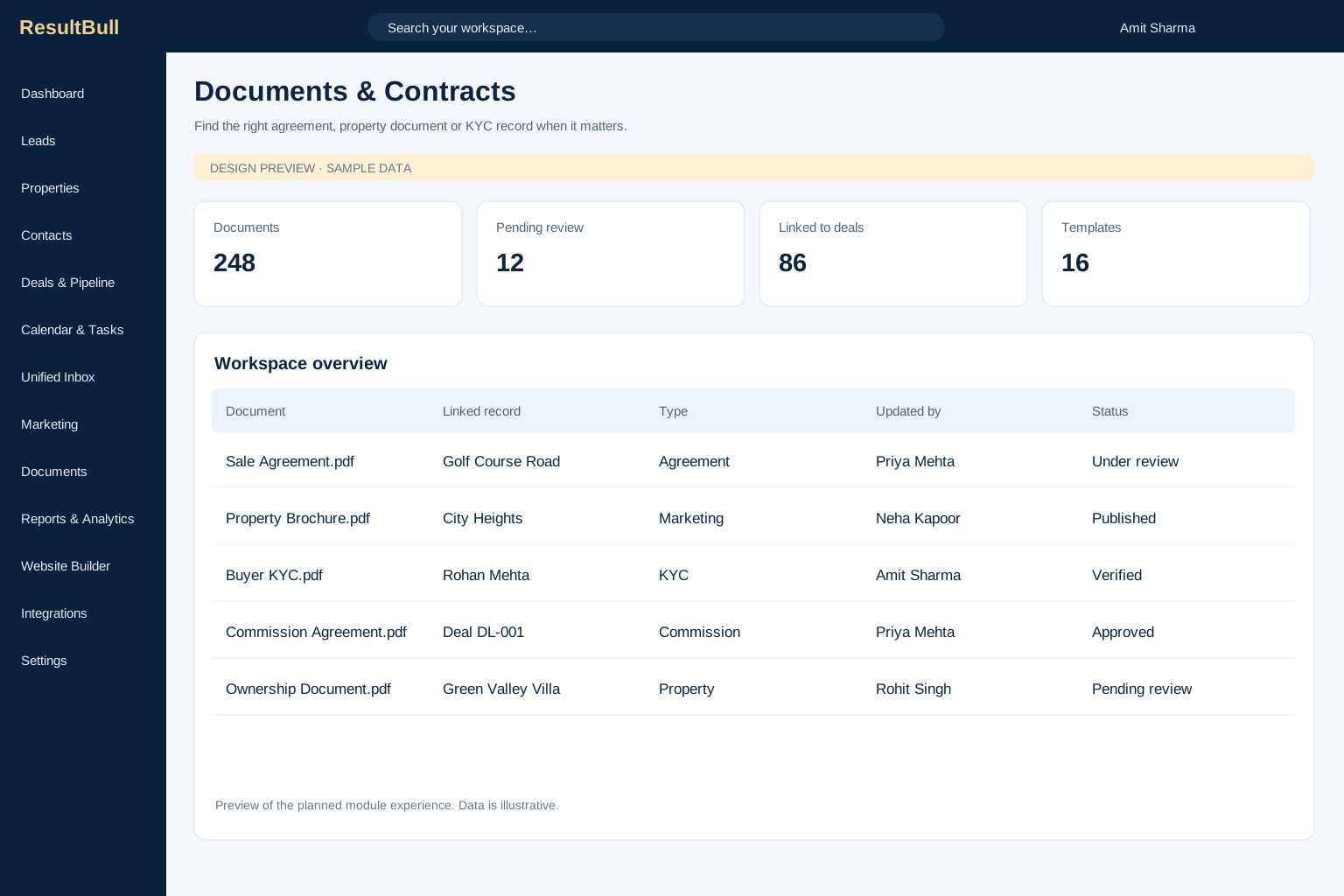
Explore moduleOrganise property documents, buyer records and agreements alongside the relationships and transactions they support. Make it easier for a team to find the latest context before progressing a sale or commission approval.
Explore module
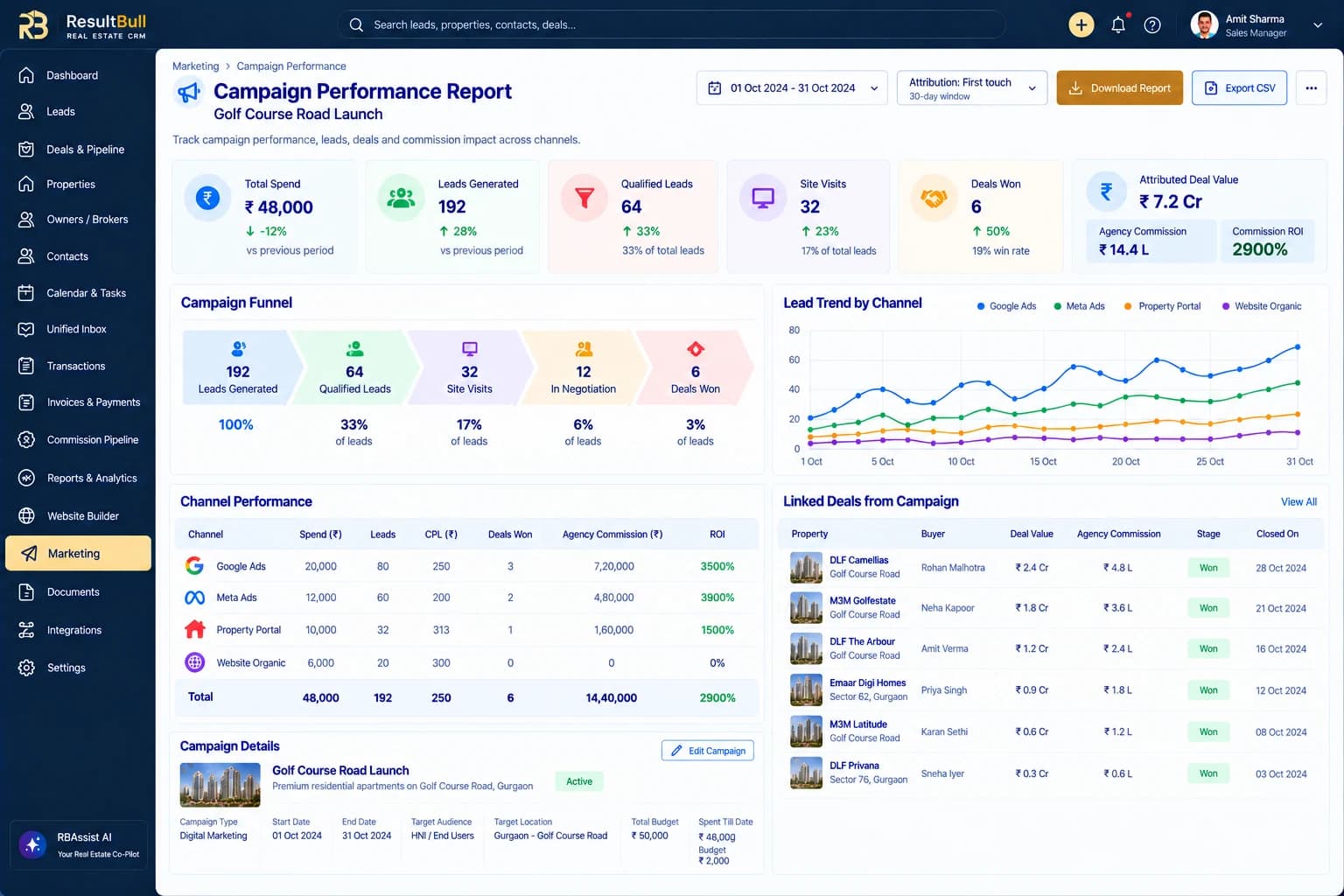
Interface previewConnect day-to-day activity to useful business reporting. Review lead sources, agent performance, inventory age, conversion stages, sales forecasts and commission receivables with the context behind each figure.
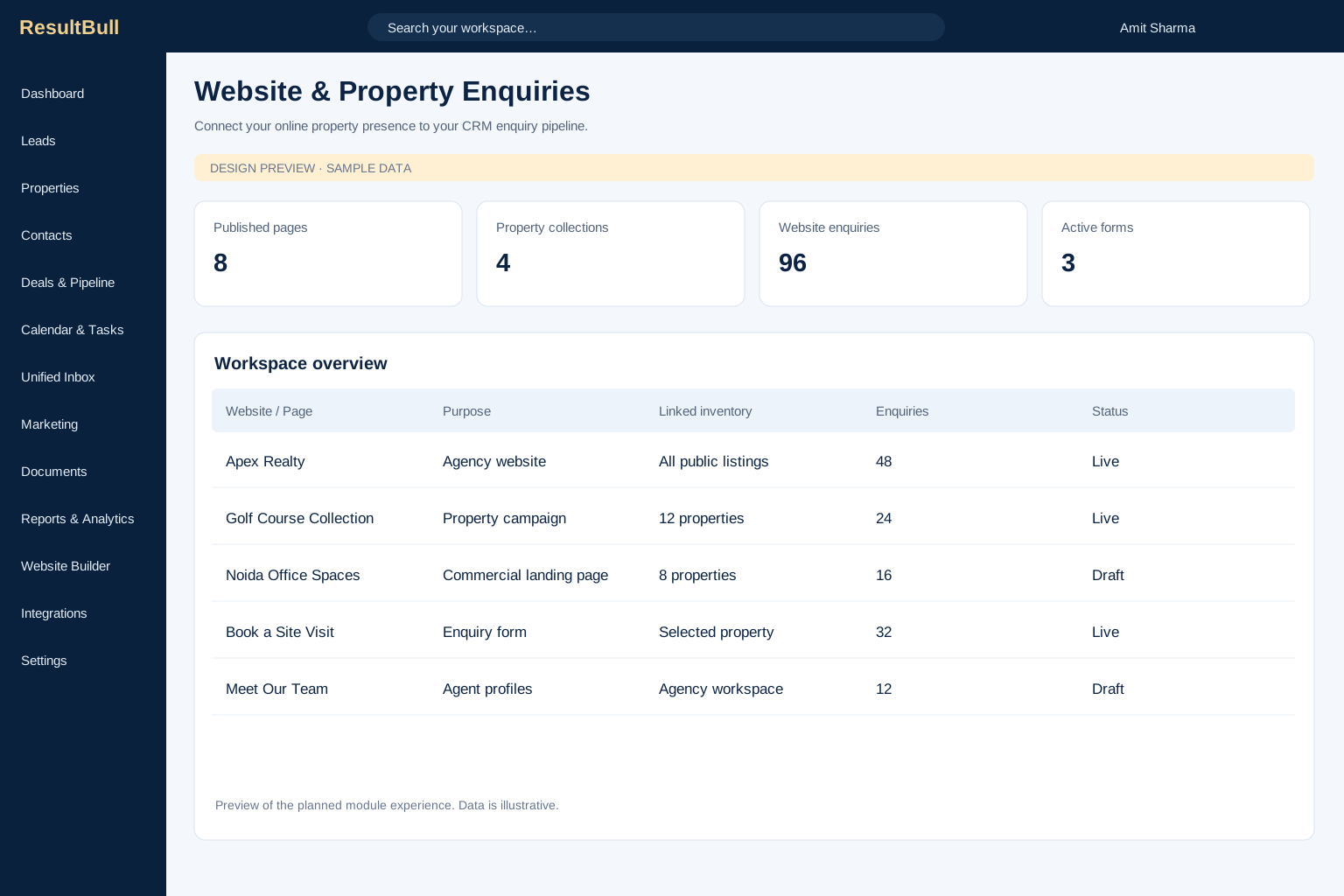
Explore moduleConnect your agency’s online presence with the enquiries your sales team handles. Plan property pages, enquiry forms and campaign landing experiences around the inventory and customer context in your workspace.
Explore module
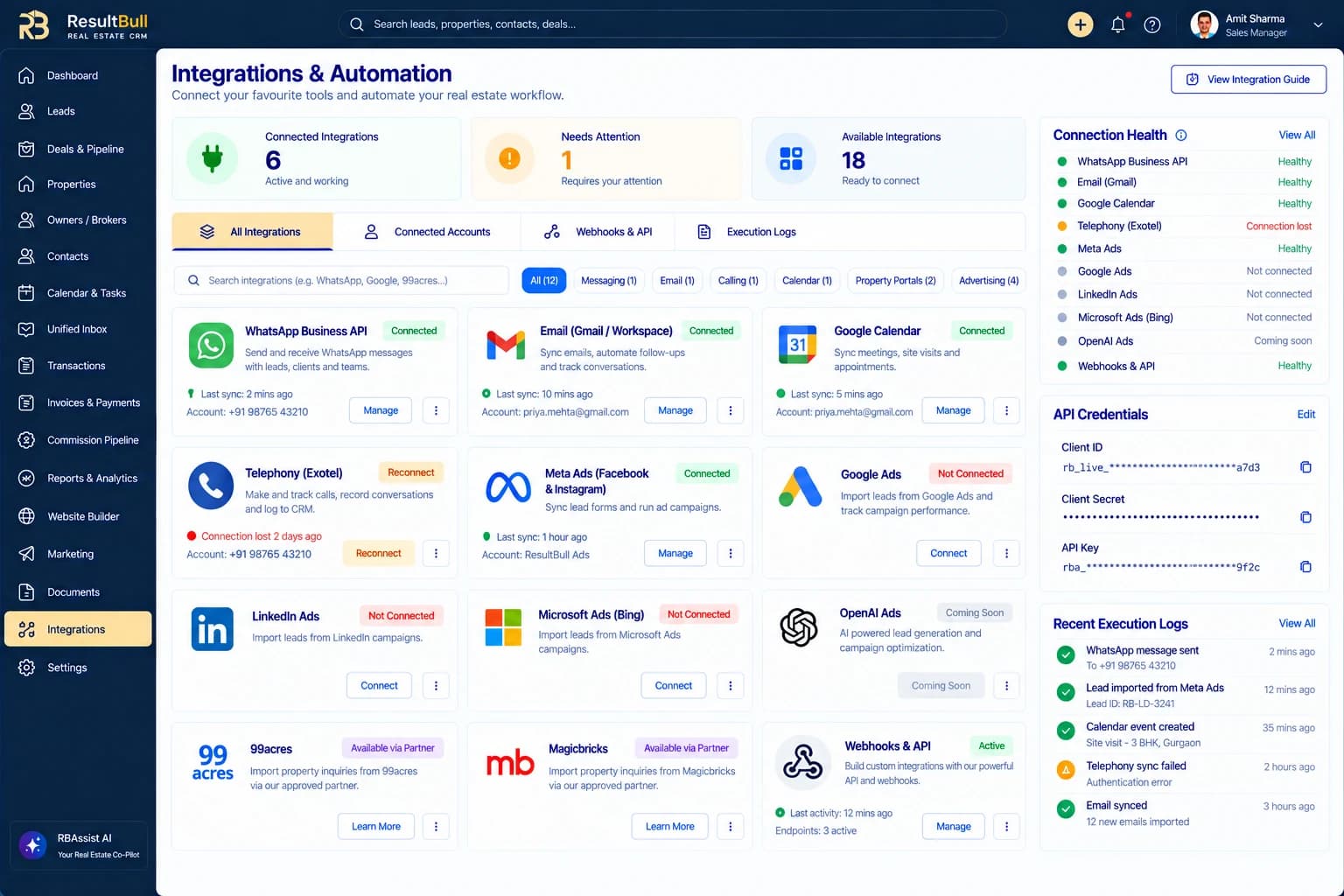
Interface previewBring communication, enquiries and operational tools into a connected workspace. Review account connections, provider readiness, automation rules and execution history so an integration has a visible owner and status.
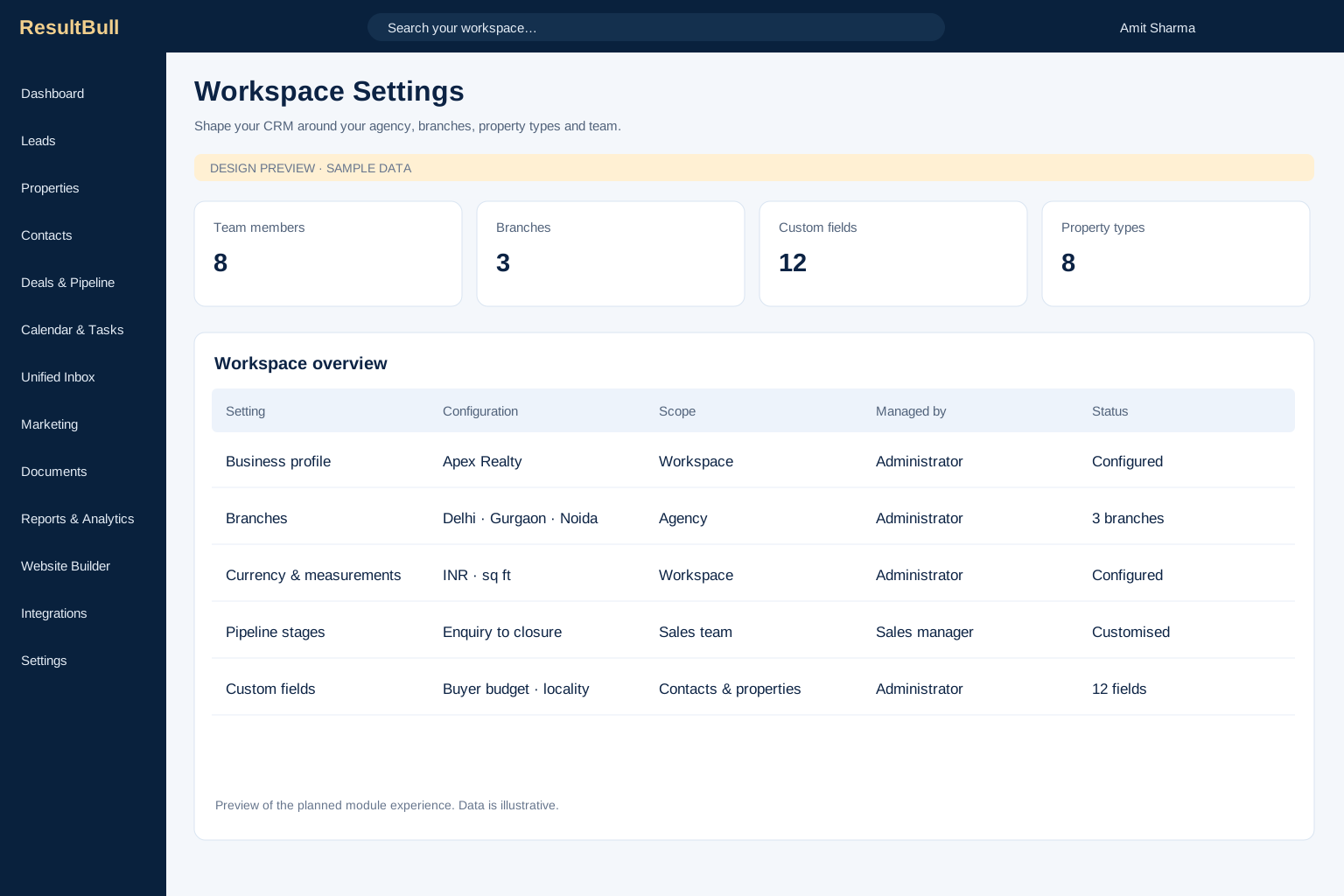
Explore moduleConfigure the business details and operating choices that give the CRM a consistent foundation. Keep branches, currency, measurement units, property types, pipeline stages and custom fields aligned with your agency.
Explore module
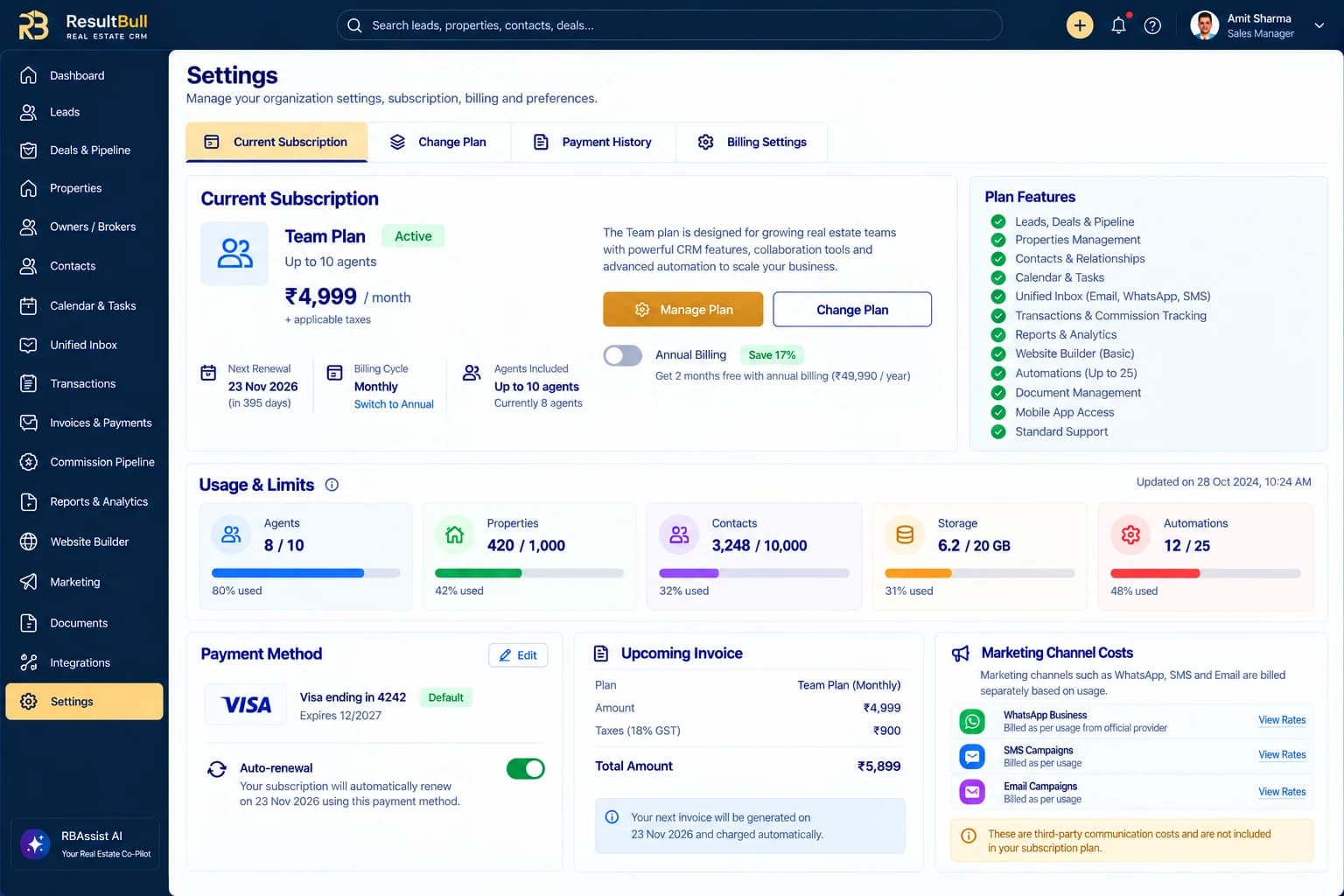
Interface previewReview the CRM subscription that supports your workspace. Keep current-plan details, agent and resource usage, renewal information, payment history and billing settings available from one account area.
Explore moduleProduct screens show design previews and illustrative data. Enabled features and connectors vary by workspace and beta rollout.
Have a question about your agency?
Talk to our team
Use the feature pages to review module descriptions, interface previews and example workflows. Select Get Started to continue to the existing ResultBull account login and review the options available to your workspace.
Login and checkout are managed through your ResultBull account. The CRM marketing website does not collect payment details or operate a separate checkout.
Integration and feature availability depend on your workspace, subscription, connected providers and beta rollout. Some advertising and property-portal connections require provider approval or partner access.
Bring your leads, properties and people into one ResultBull workspace.